Trusted and easy-to-use VPN app for Android
The Proton VPN app for Android is intuitive to use, offers lots of useful features, and keeps you secure and private when surfing the internet.
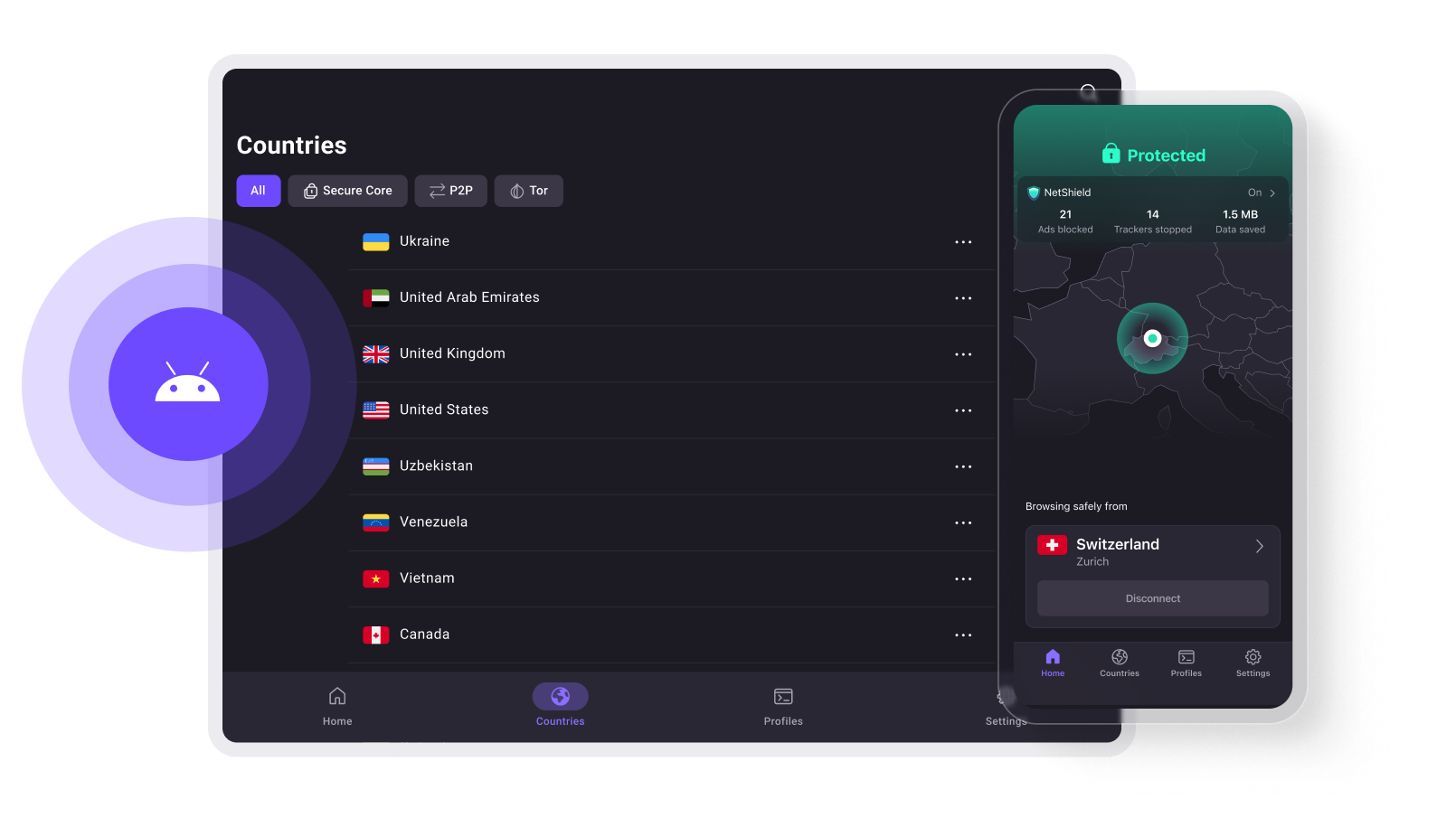
The Proton VPN app for Android is intuitive to use, offers lots of useful features, and keeps you secure and private when surfing the internet.
Our open source Android app is also available on F-Droid or can be downloaded as an APK on GitHub. Find more details in our FAQ section.

To use Proton VPN on Android, sign up for free or purchase a Proton VPN Plus paid account. Paid accounts let you use Proton VPN on up to 10 devices simultaneously, with over 20,000 high-speed servers in 140+ countries and access to premium features.
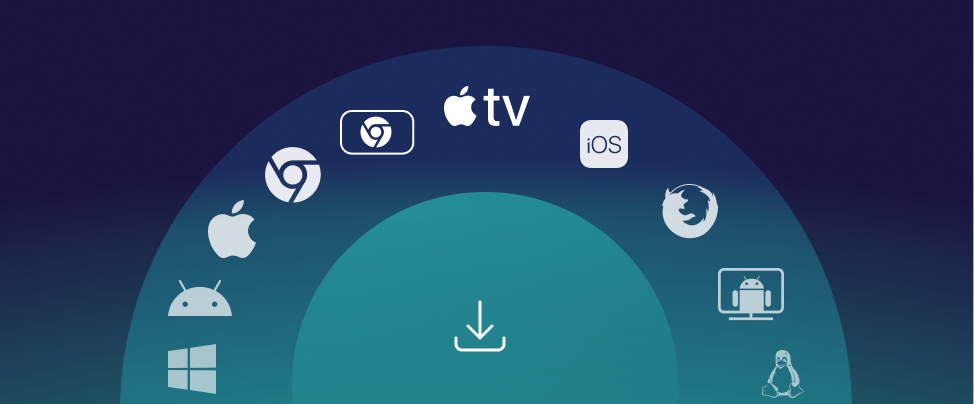
Download and install Proton VPN from the Google Play Store, F-Droid, or as an APK from GitHub. Once installed, launch the app and log in with your Proton VPN username and password. Proton Mail users can sign in with their existing Proton credentials.
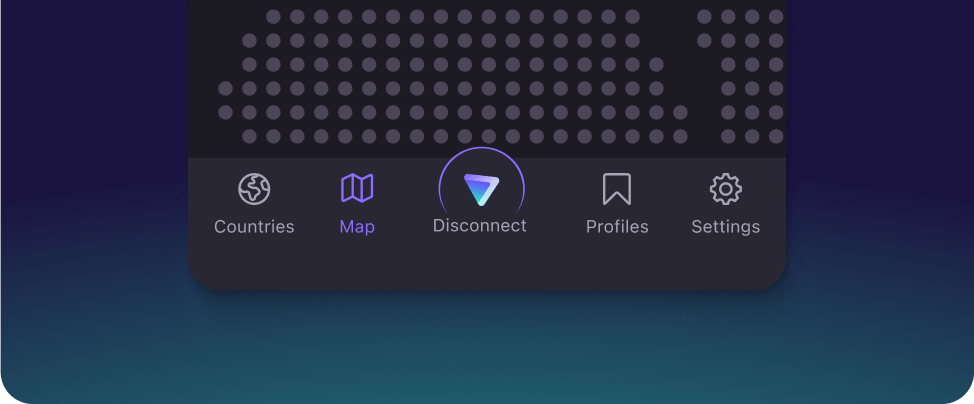
You can automatically connect to the fastest VPN server in your location, or choose to connect to any specific server available on your plan. Once connected, your real IP address is hidden and websites can only see the VPN server's IP address.
For step-by-step installation instructions, read our Proton VPN for Android guide.
Our Android app provides thoughtfully designed advanced features to improve your online security.
Secure Core protects your connection by routing your traffic through multiple servers before leaving our network, defending against advanced network attacks. Secure Core servers are located in hardened data centers in Switzerland, Iceland, and Sweden, protected by strong privacy laws, and operated on Proton's own network.
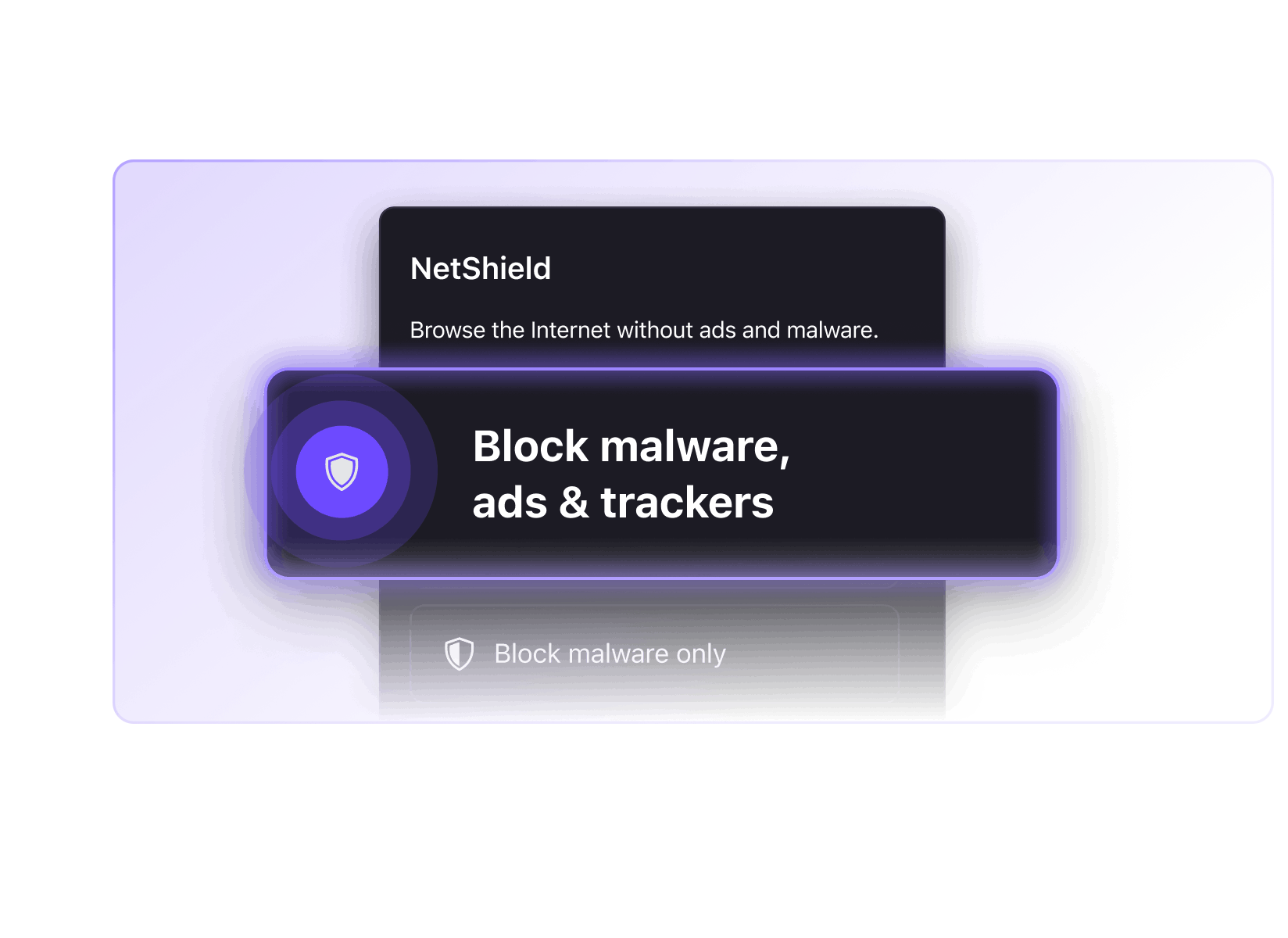
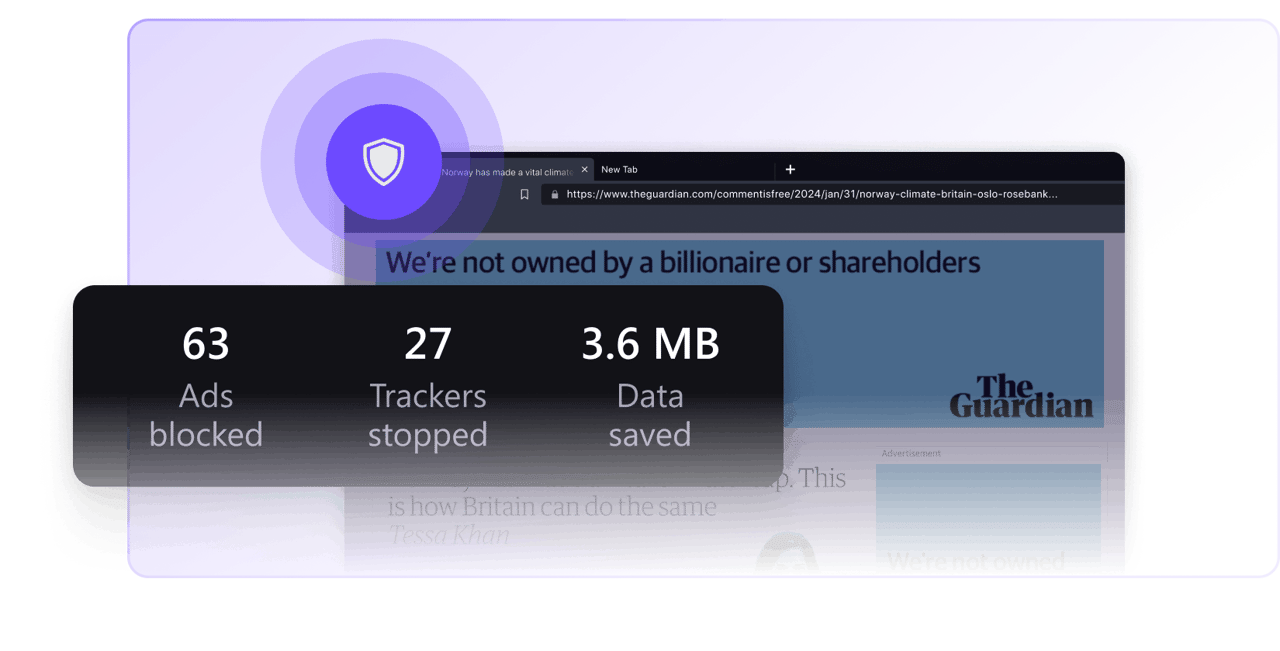
NetShield speeds up your connection and protects you from malware by filtering images, scripts, and other resources from domains known to host malware. NetShield, available to VPN Plus and Unlimited users, also blocks online trackers and advertisements.
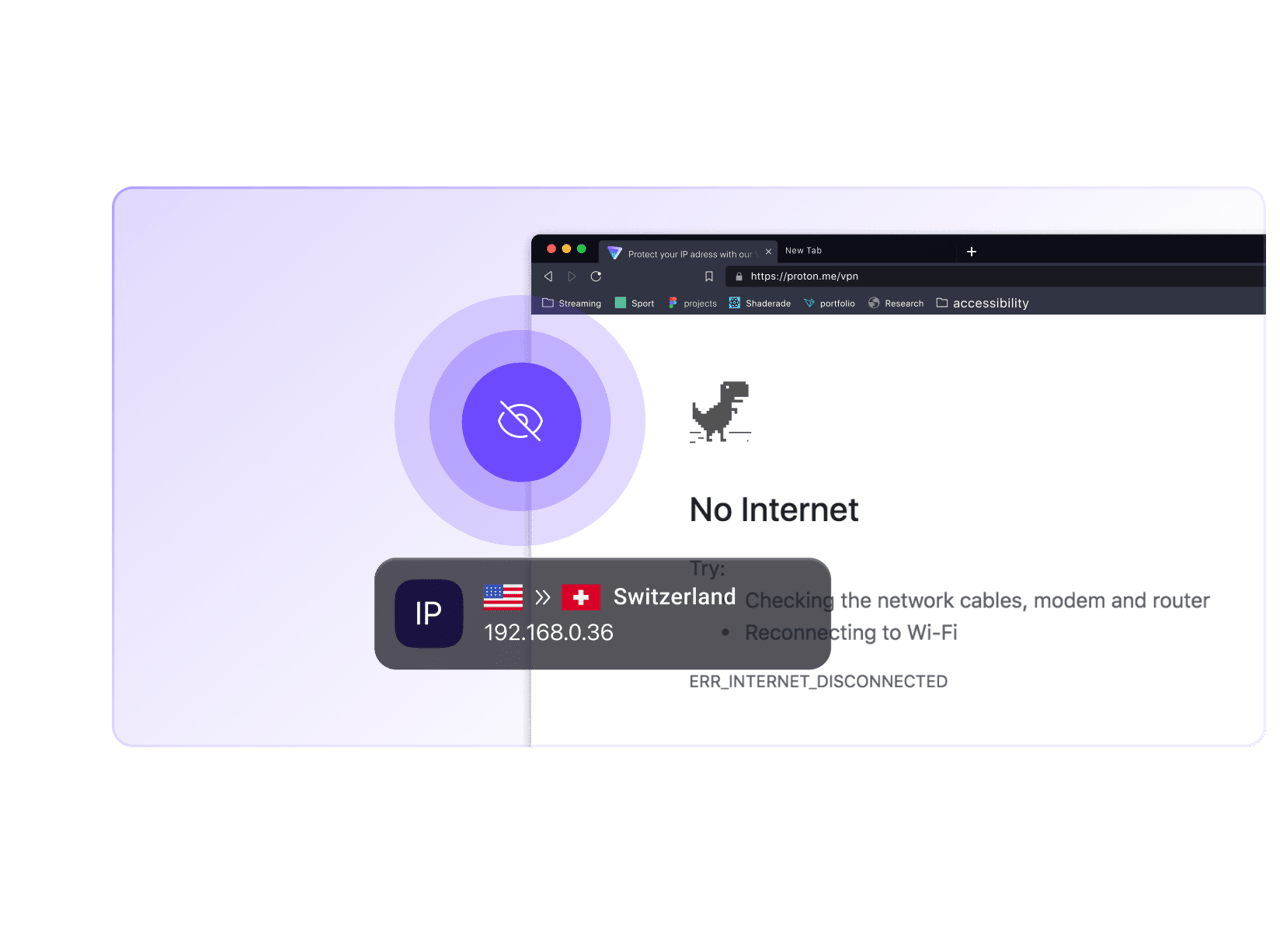
The VPN Kill Switch protects your IP address in the event of a VPN connection problem. If your VPN connection fails, Kill Switch blocks your device from connecting to the internet until your device reconnects to a VPN server.
Your connection logs are never stored
Prevents your identity from being exposed by our Android app
In places where VPN connections are blocked, Proton VPN can use alternative routing to reach our servers
Include or except websites and apps from the VPN tunnel
VPN Accelerator is a unique Proton VPN technology that can increase VPN speeds by over 400%
Anonymous P2P and BitTorrent file sharing with up to 10 Gbit servers
Swiss companies are legally required to protect user privacy
Access your favorite content on 65+ streaming platforms
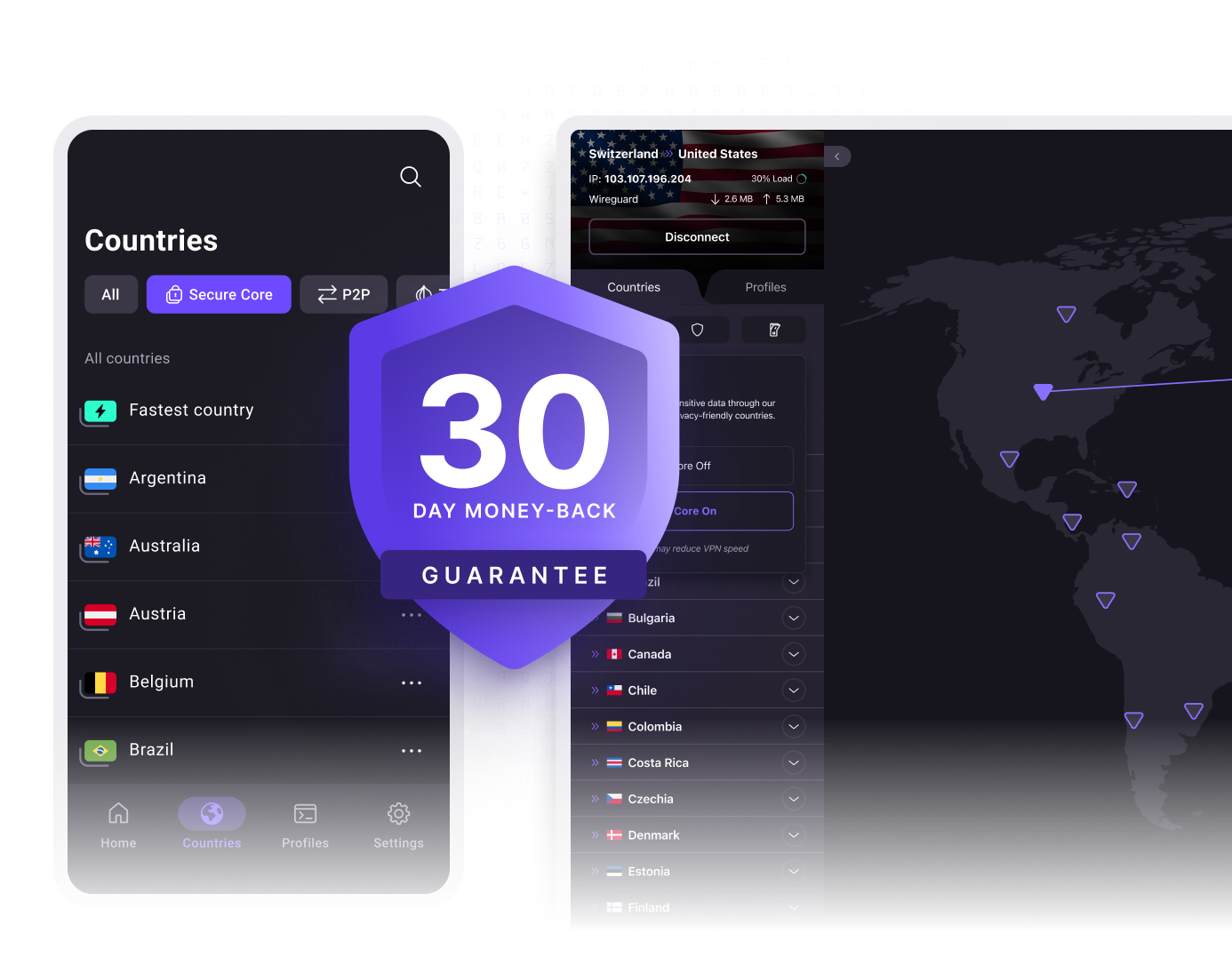
Proton VPN was created by the team behind Proton Mail, the world's largest end-to-end encrypted email service. Millions of journalists, activists, and regular users around the world rely on Proton VPN to stay secure.
Our Android VPN app:


“Proton VPN rises above the competition with an excellent collection of features, a high-performance server network, and a nearly peerless free subscription option, making it the top service we recommend.”

Our top-scoring Best Buy VPN

“Our top pick is Proton VPN thanks to its easy-to-use interface, no-logs policy and open-source framework.”

“Amazing VPN: privacy focused, lots of servers to choose, and some extra safeguards such as ad tracking prevention. The best out there.”

“Excellent VPN, clean and easy interface. Connections are always stable. Must have if you want to keep your online surfing private.”

“Fast connections all over the world. Set up and use is very easy. By far the best VPN out there and worth the subscription!”
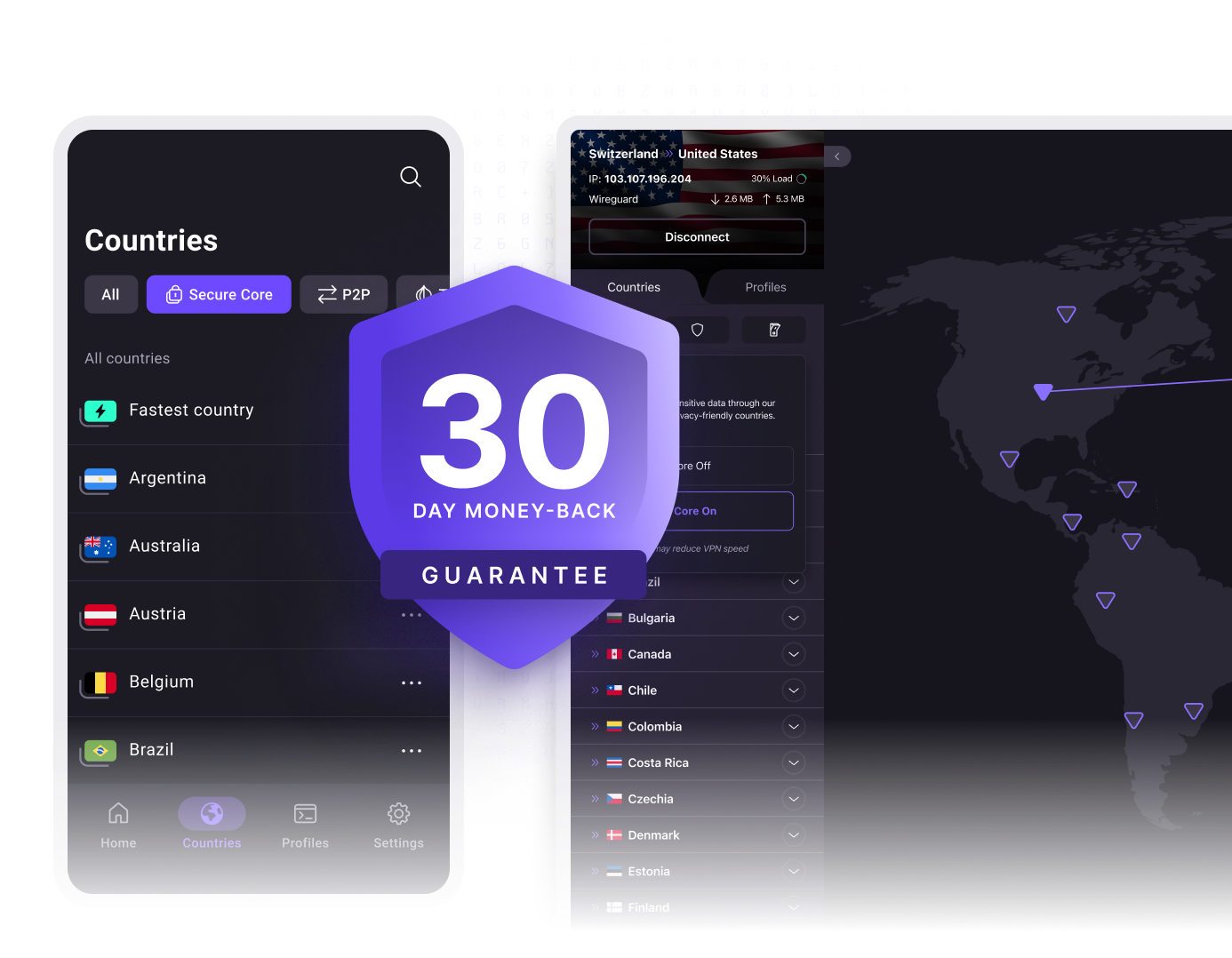
When choosing a VPN for Android, prioritize privacy policies (no-logs), open-source code, encryption strength, and speed. Proton VPN excels in all these areas and is headquartered in Switzerland with strong privacy laws.
You can install a VPN on Android via the Google Play Store or F-Droid. Search for Proton VPN, download and install the app, then sign in with your Proton account. Alternatively, download the APK directly from our GitHub repository.
After installing Proton VPN, open the app and tap the Quick Connect button to automatically connect to the fastest server. You can also manually select a specific country or server from the server list.
Once connected to a Proton VPN server, your traffic routes through that server, allowing you to access content and websites that may be blocked in your region. Use our alternative routing feature if VPN connections are restricted.
Proton VPN ranks among the fastest VPNs thanks to its VPN Accelerator technology, which can boost speeds by over 400%. We operate over 20,000 servers in 140+ countries worldwide.
Free download, no credit card required, no speed limits.